Tilde
Your courses, your week and your to-dos in one place. Everything revolves around what you are taking this term.
All you need is a Google account.Courses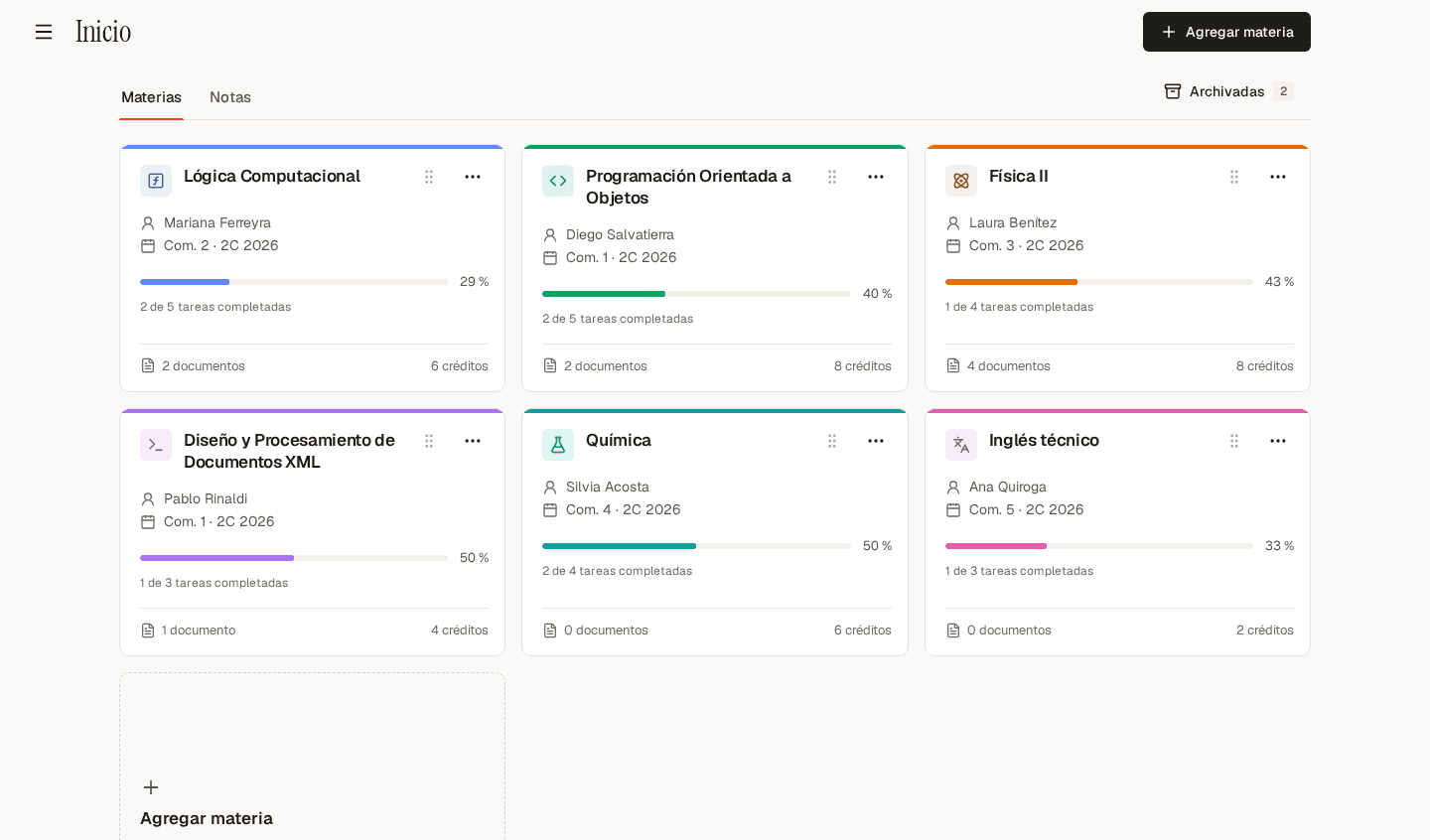
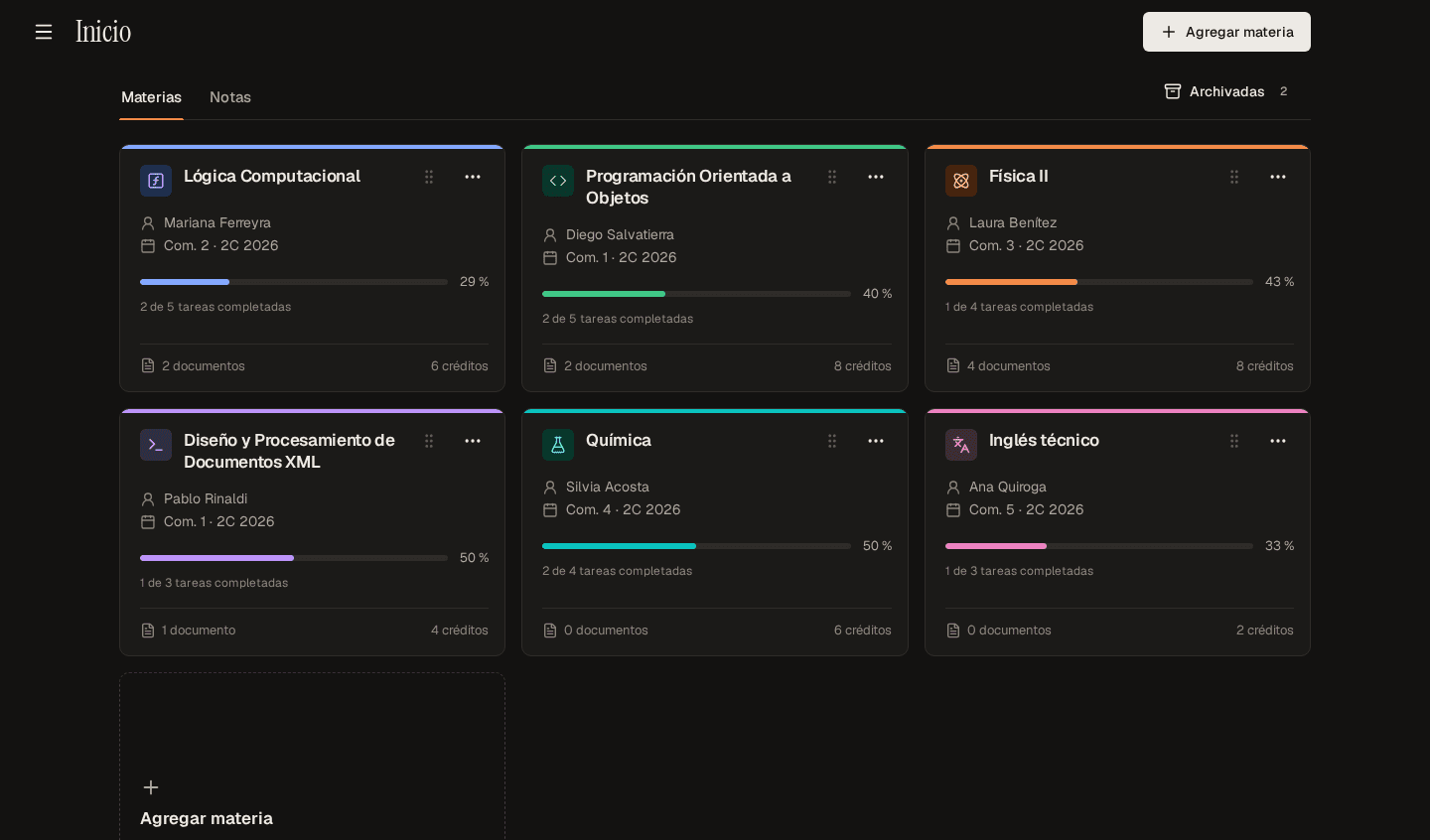
Every course, with its own color
Section, professor, Drive notes and task progress. The course color identifies it across the whole app.
Schedule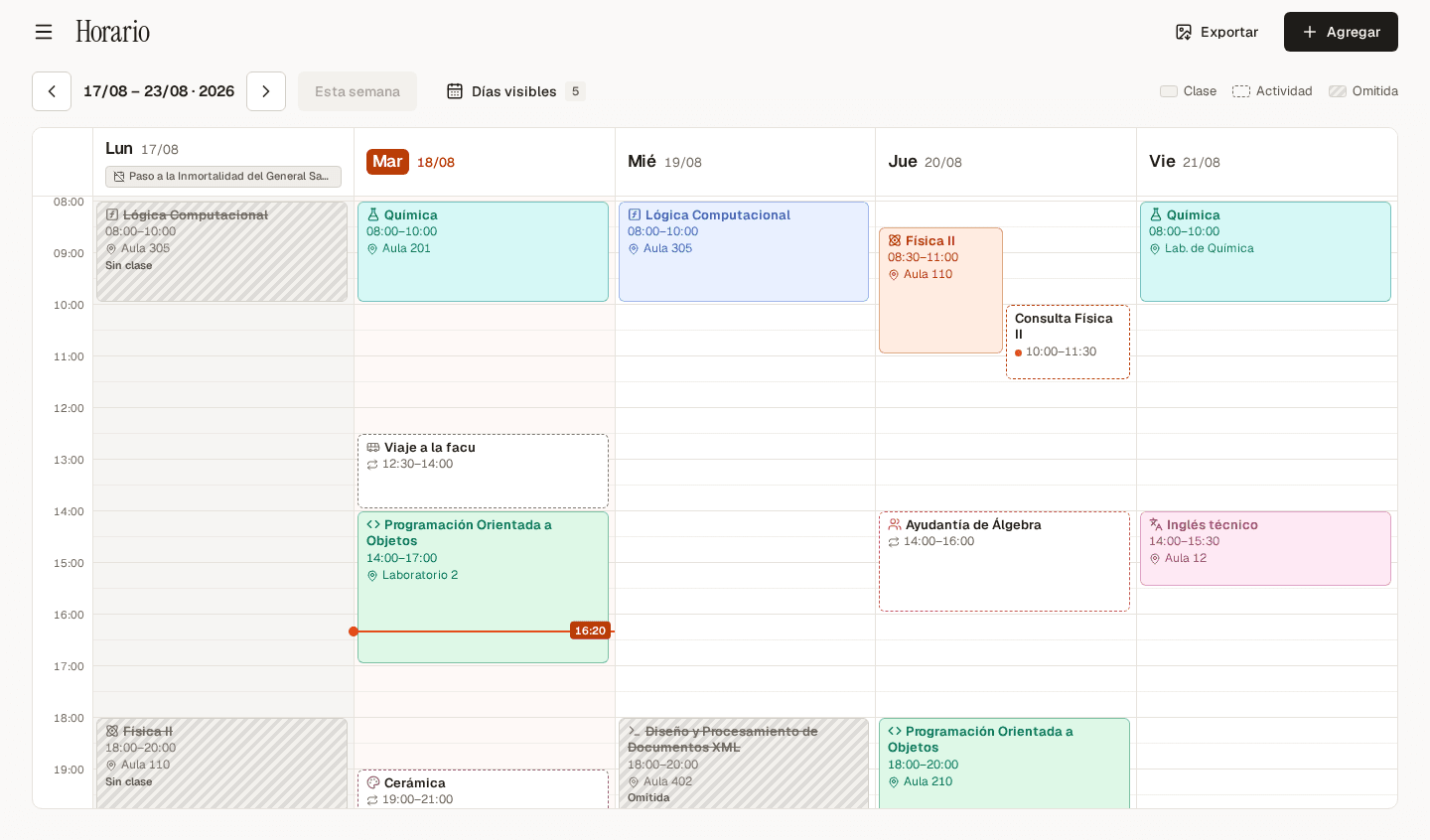
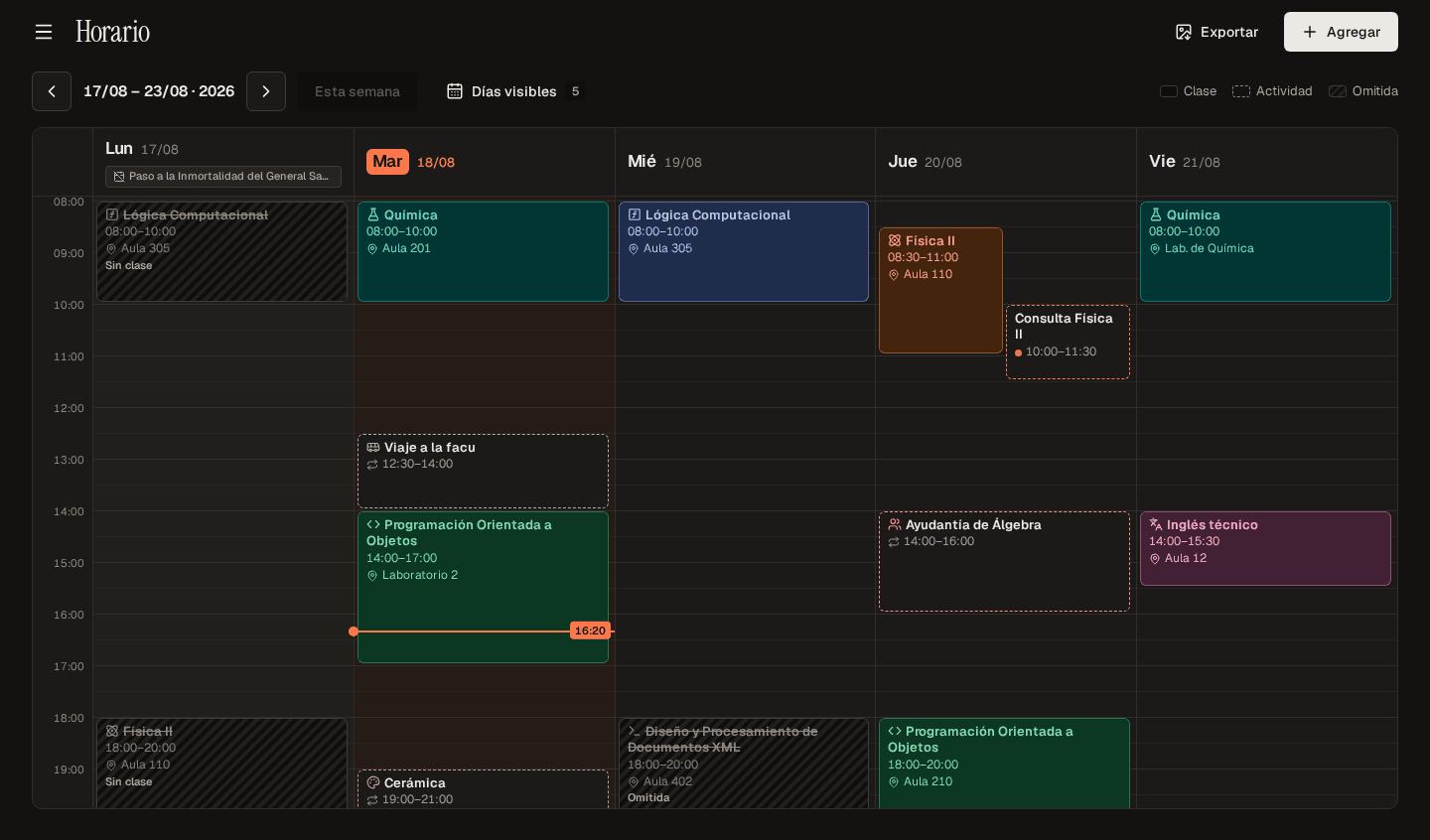
Your week at a glance
Classes and activities on a weekly grid, with public holidays marked and cancelled classes one tap away.
To-do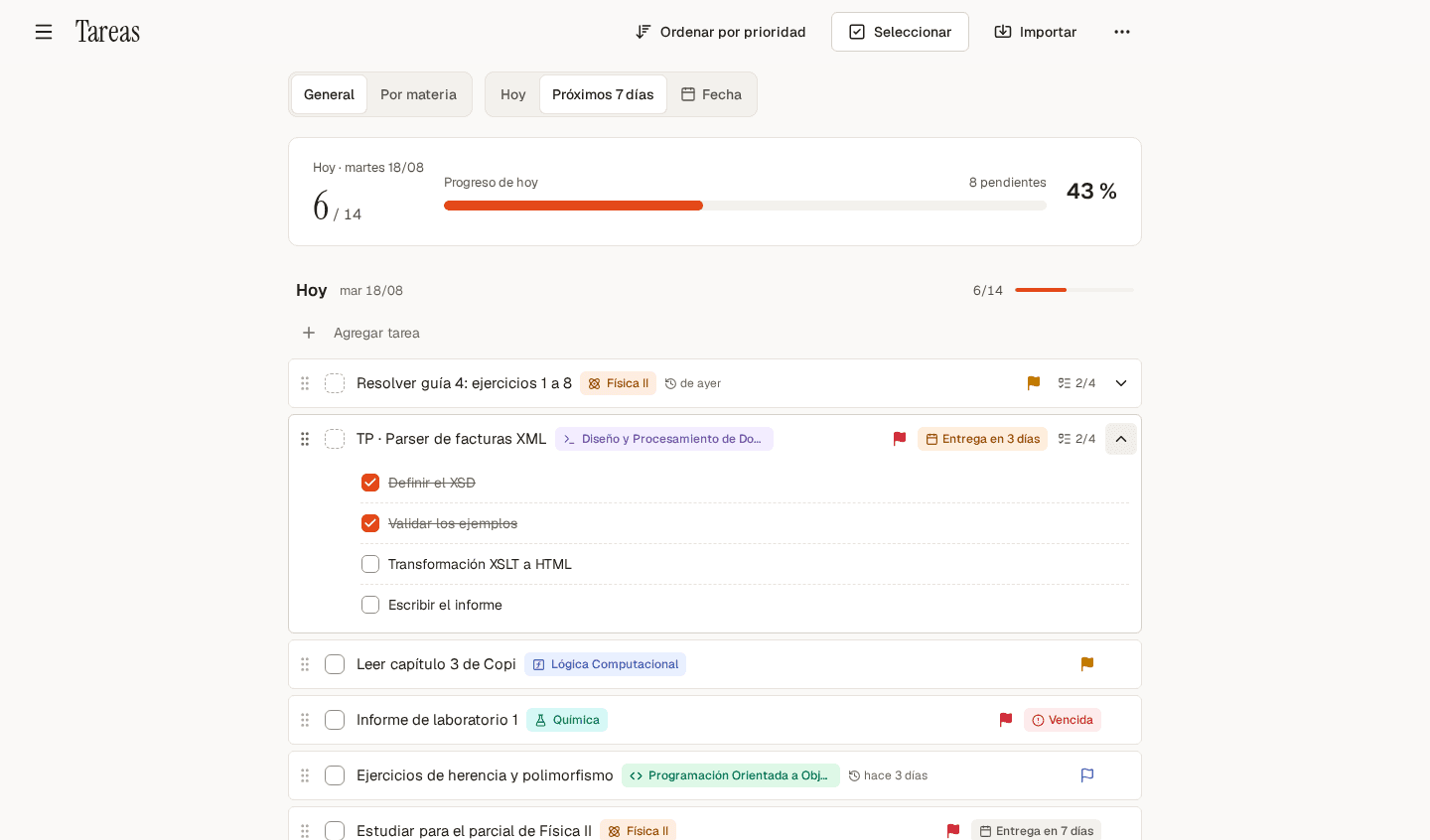
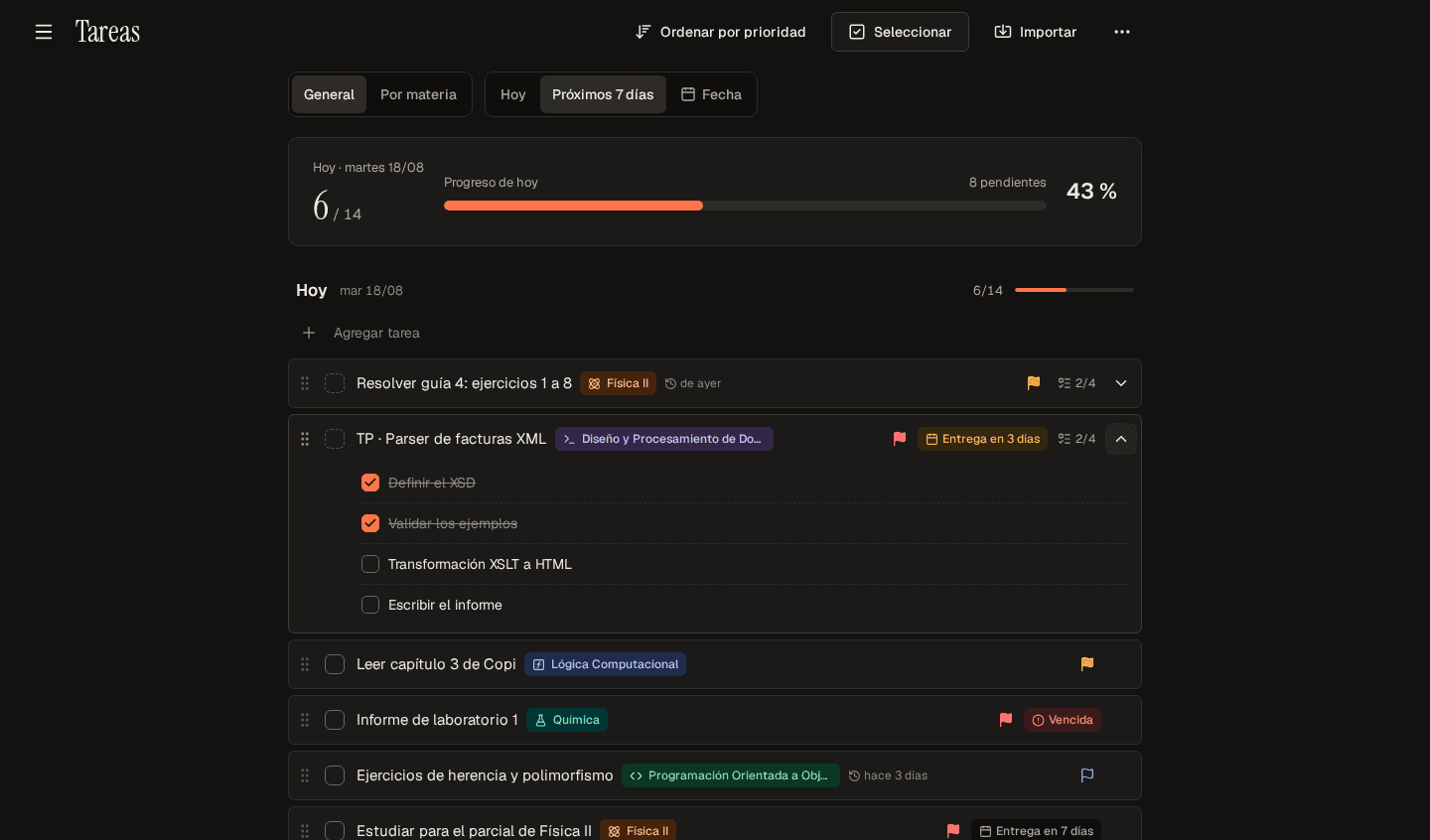
Today comes first
To-dos grouped by day, with subtasks, priorities and deadlines that show up just early enough.
Calendar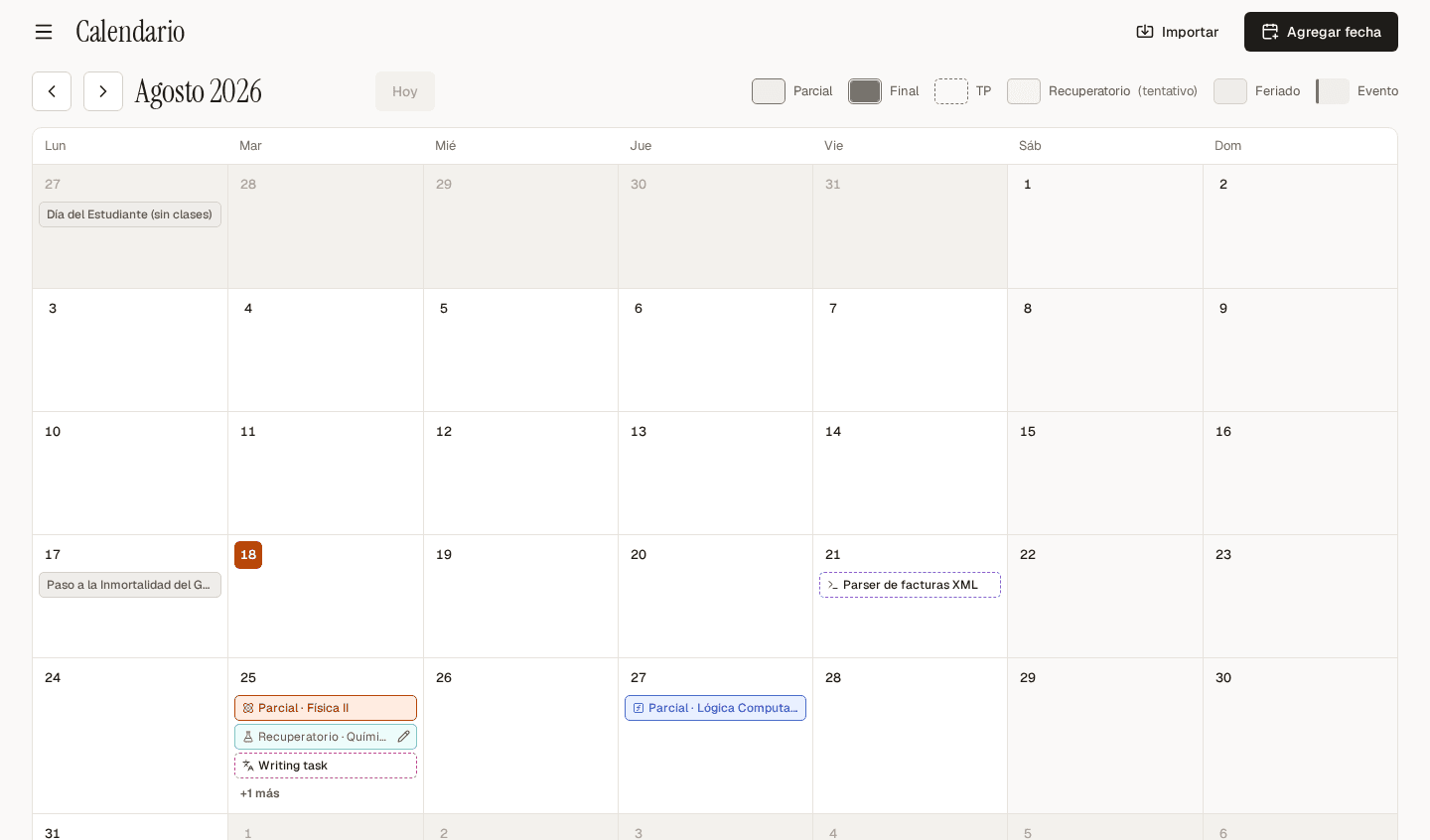
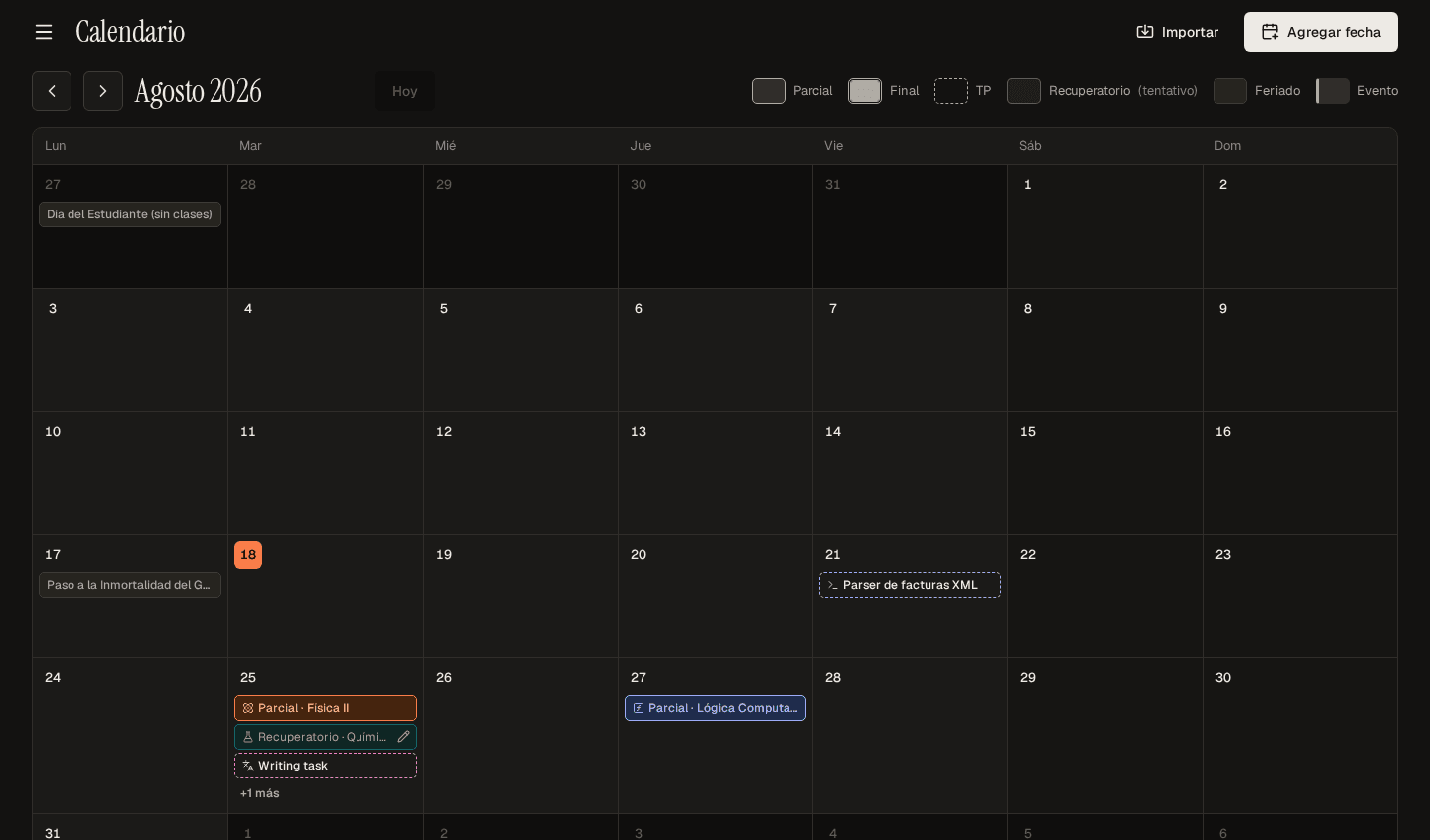
Midterms, finals and assignments in one month
Each kind of date has its own border. Make-up exams stay on hold until you need them.
Grades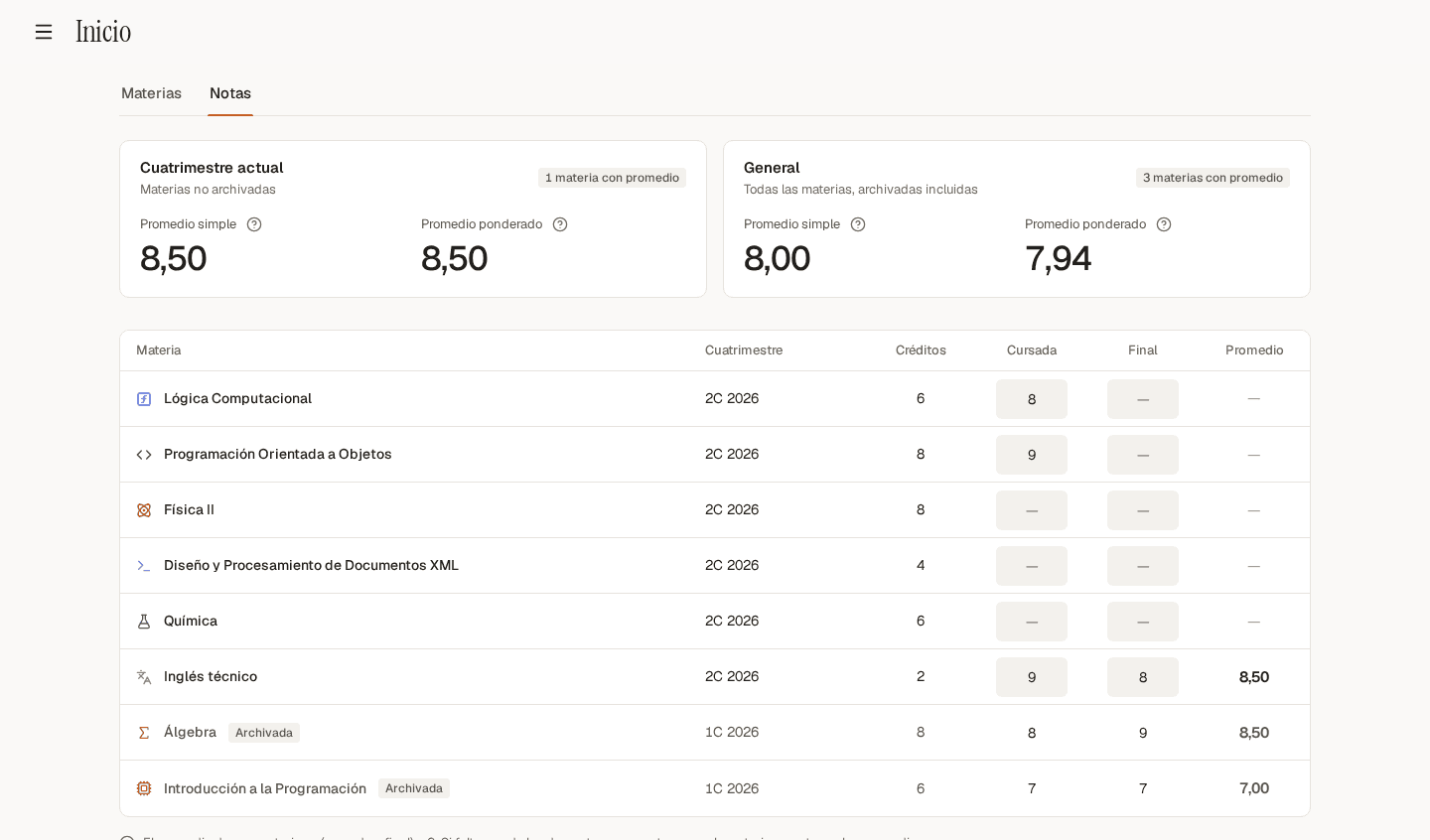
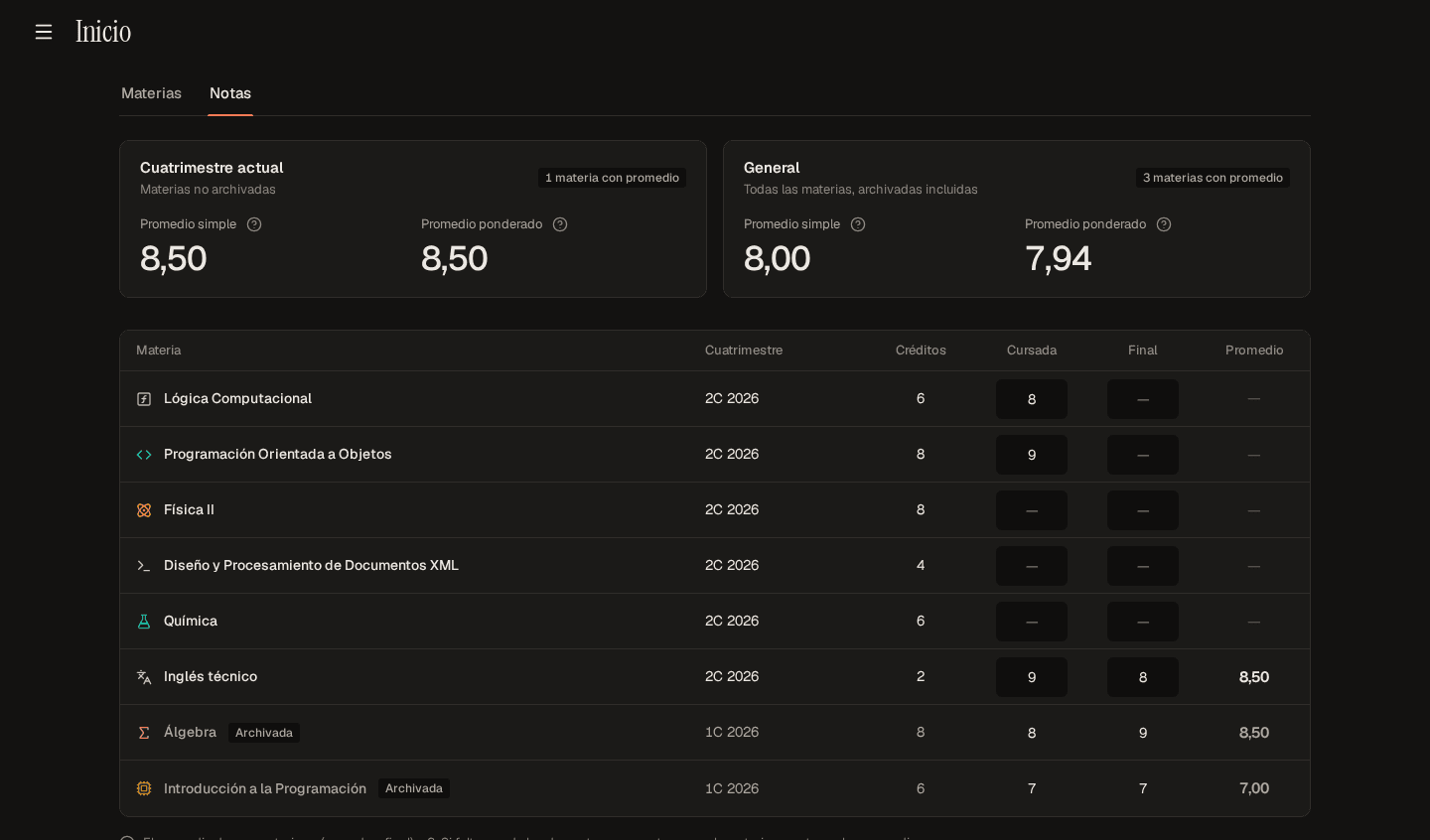
Your average, no math needed
Coursework and final grades in one table. The simple and credit-weighted averages update on their own.
Study sessions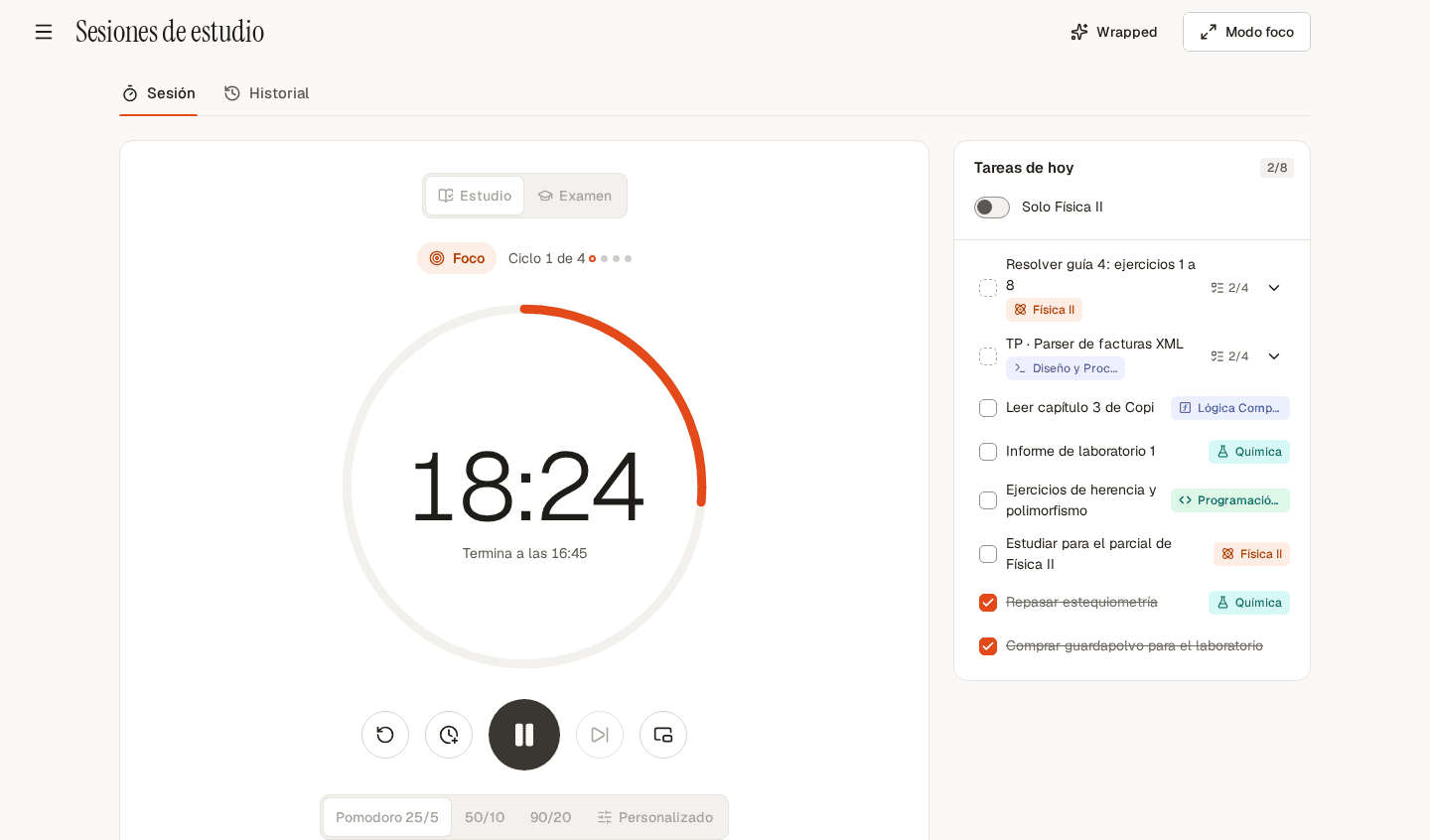
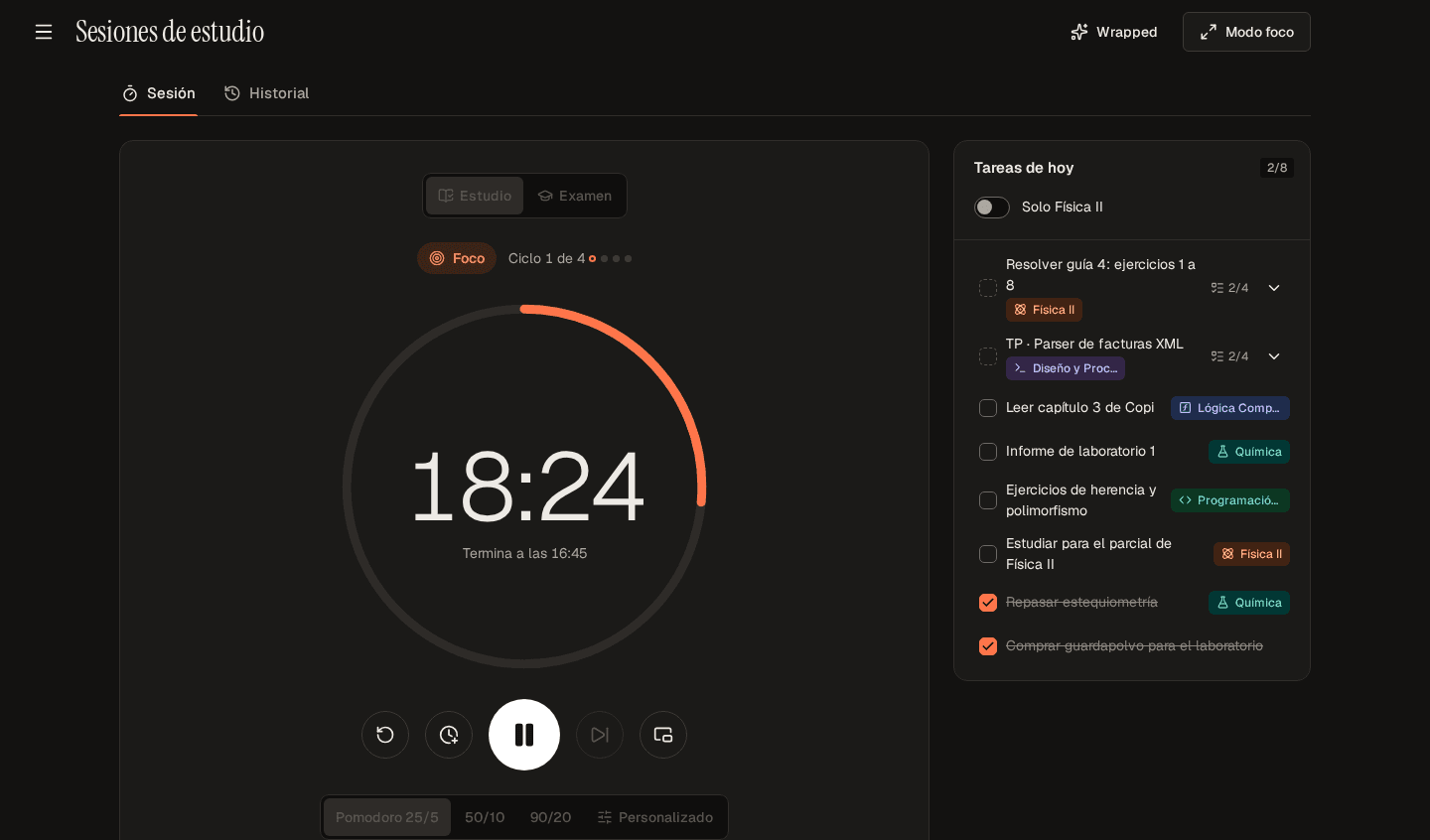
Built for focused study
Pomodoro or long blocks, with today’s tasks on the side and a history of what you studied.